TAG Forms, Portals & Secure Resources
Use the correct secure route to register, update records, access controlled course resources or submit supplier information.
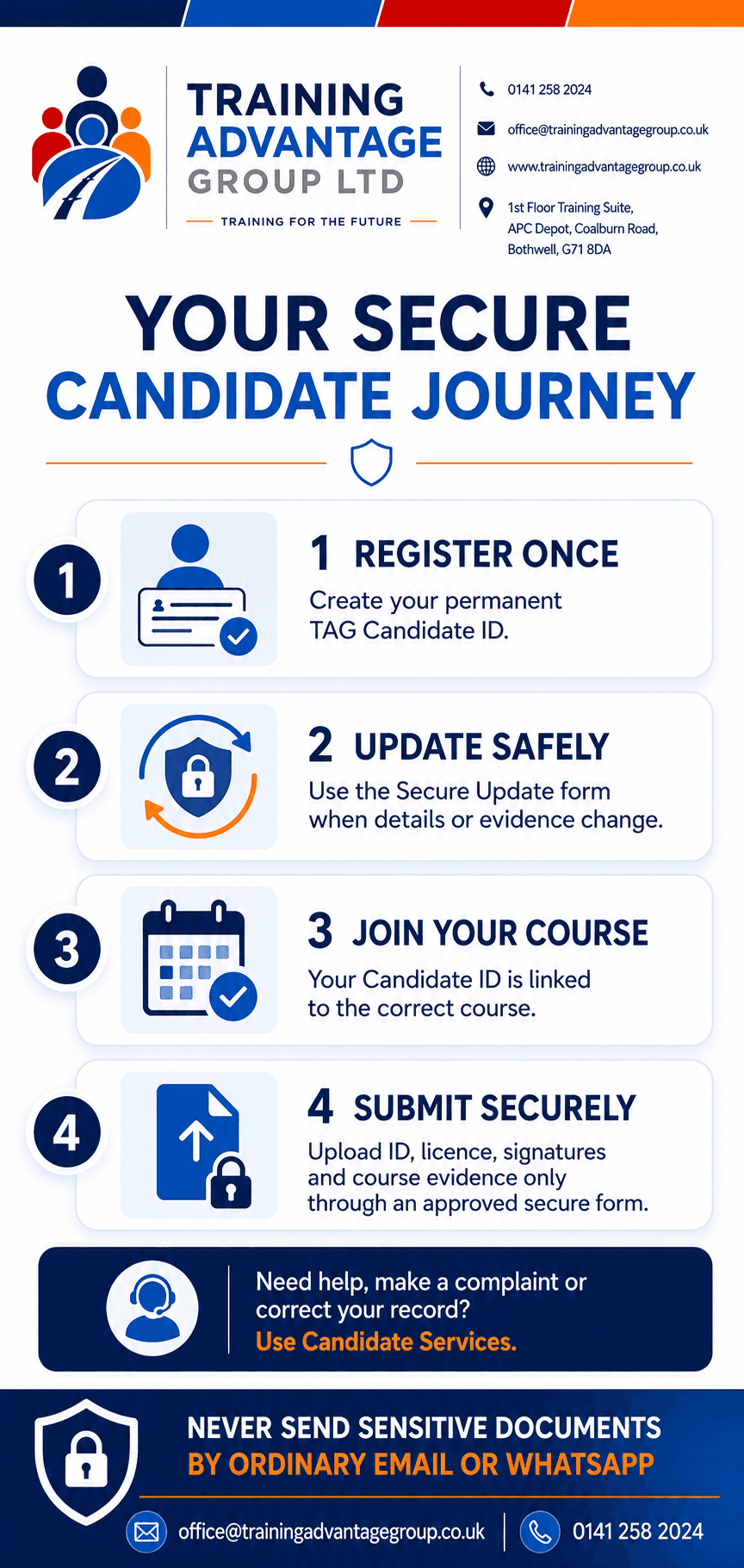
For your protection, do not email identity documents, licence images, photographs, signatures or medical information. Use the secure form requested by TAG, never ordinary email or WhatsApp.
Candidate Services
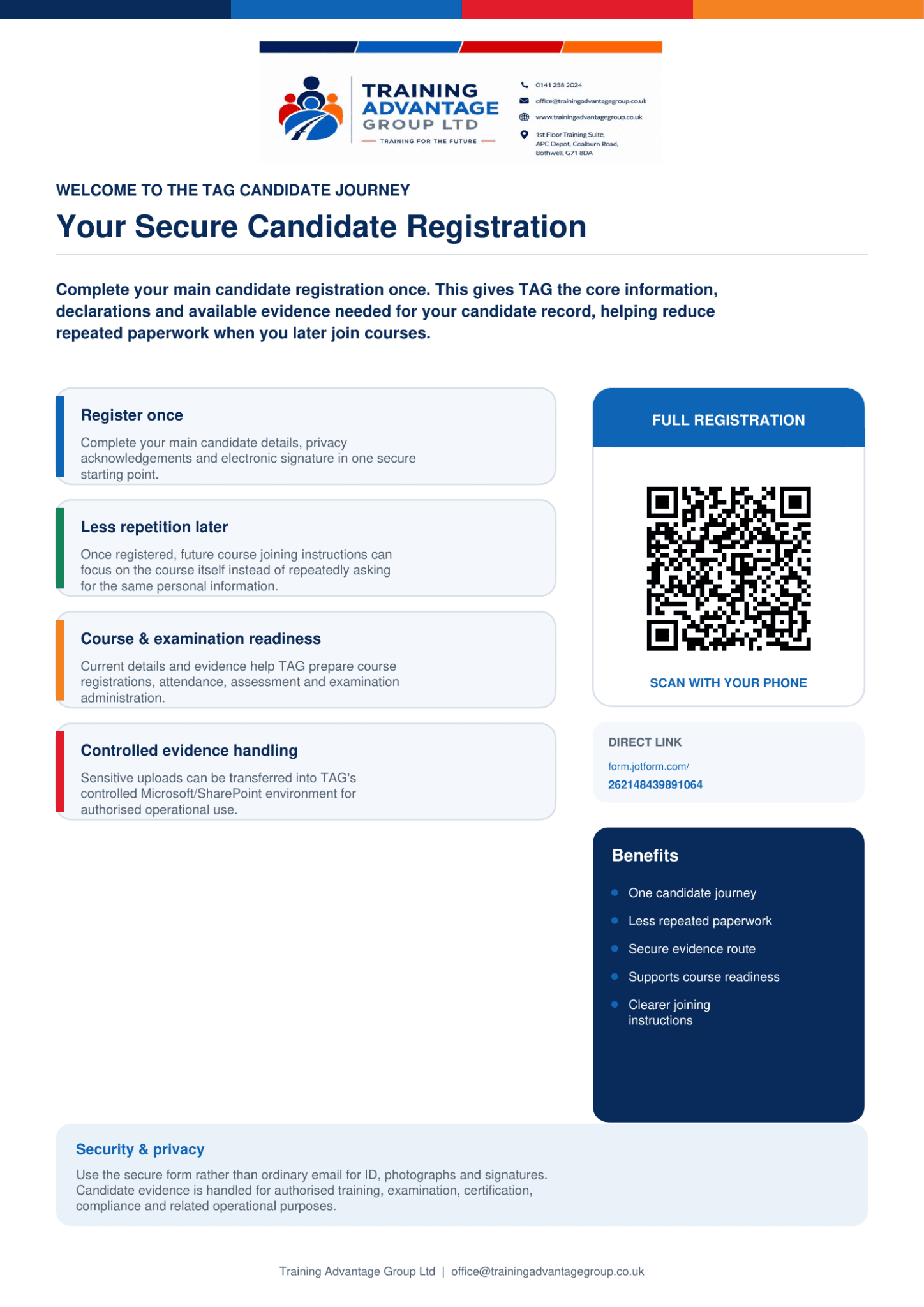
Which form should I use? New candidates complete the full registration once. This establishes your core candidate record, privacy acknowledgements, declarations, signature and available evidence. Existing candidates use the shorter secure update route whenever ID, licence evidence, photograph, signature or other details change.
Complete Full Candidate Registration
For new candidates, or when TAG specifically asks for a full registration. Creates your permanent TAG Candidate ID, privacy acknowledgements, declarations, signature and available evidence in one place.
Open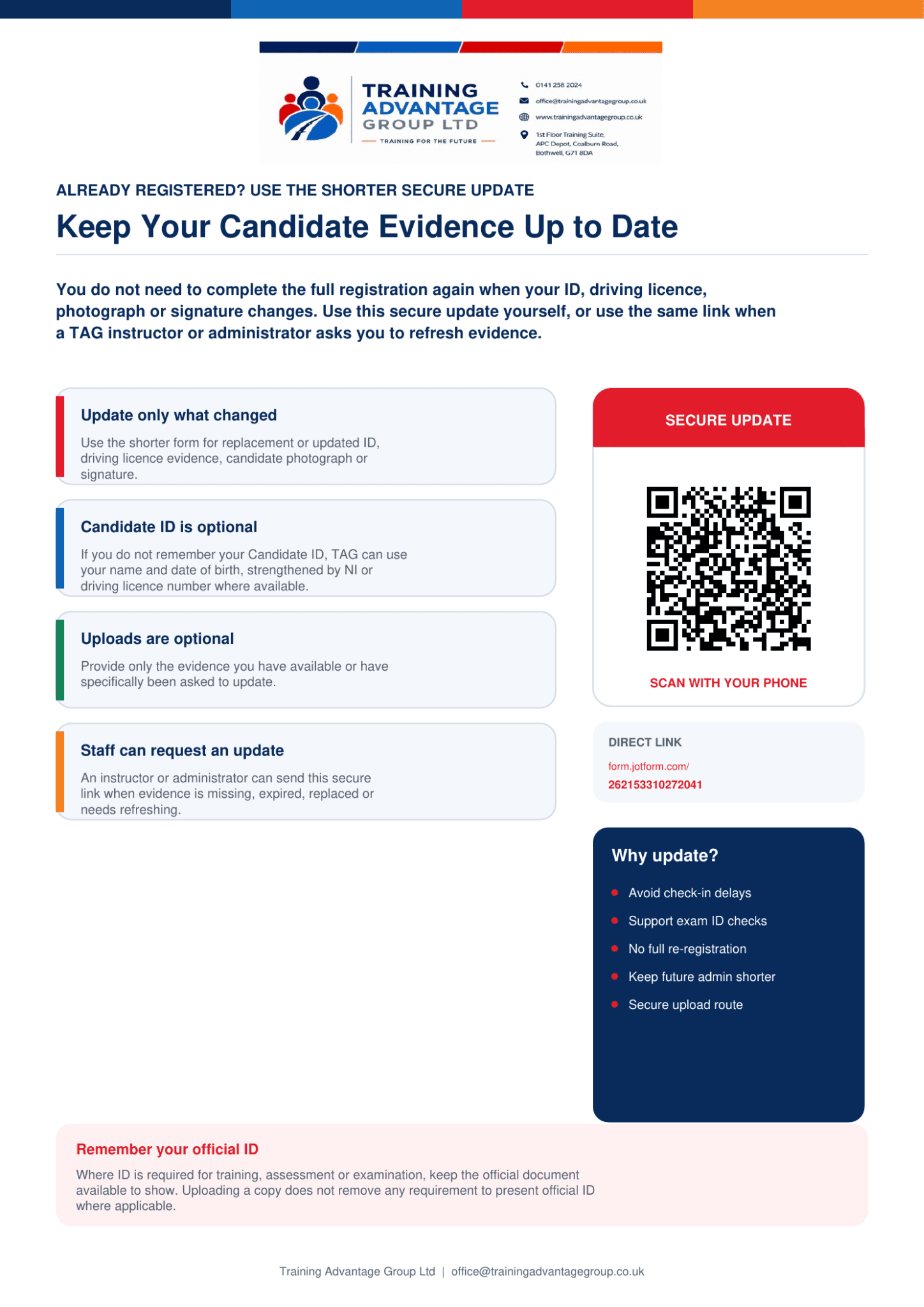
Update an Existing Candidate Record
For existing candidates. Update ID, driving licence evidence, photograph, signature or other details without completing the full registration again.
OpenCheck a Certificate
Verify a published TAG certificate using the approved certificate number/search method.
OpenRegistration, booking and allocation are separate
Course booking or allocation is separate from candidate registration. A registered candidate may be linked to a booked course later by TAG administration or an authorised instructor. Where a candidate attends without a prior online booking, TAG may create a controlled manual course entry, issue the required form for signature and upload it to the candidate/course record after checks.
Registering does not by itself guarantee a course place. TAG confirms allocation separately.
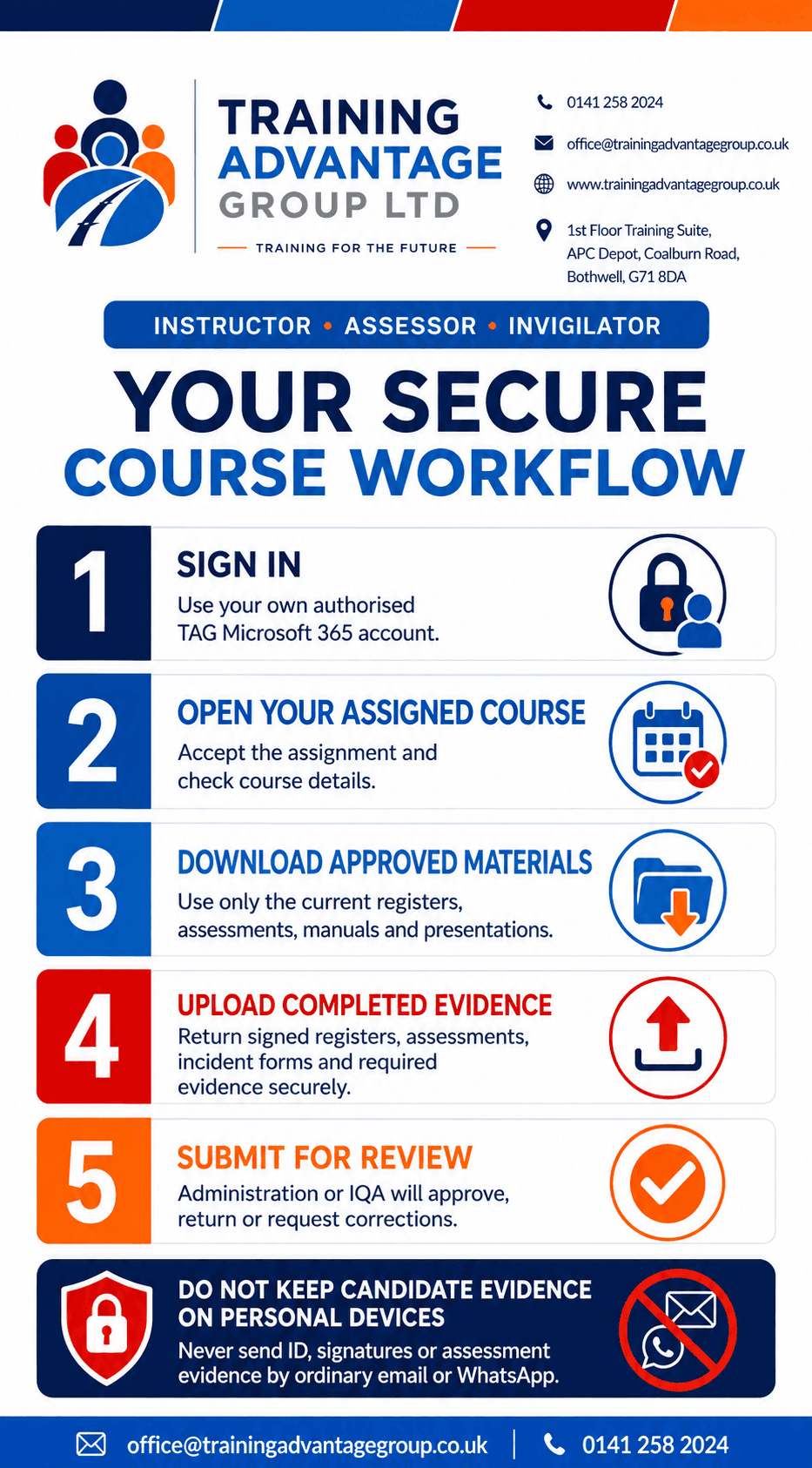
Instructor / Assessor Services
The secure course workspace for authorised instructors, assessors and invigilators: registers, assessments, evidence return, qualification/CPD updates, trainee/shadowing arrangements and lead-instructor responsibilities.
Instructor / Assessor Secure AccessSign in with the TAG ID and access code TAG has issued you. If you've lost your code or see an error, contact office@trainingadvantagegroup.co.uk for a reset.
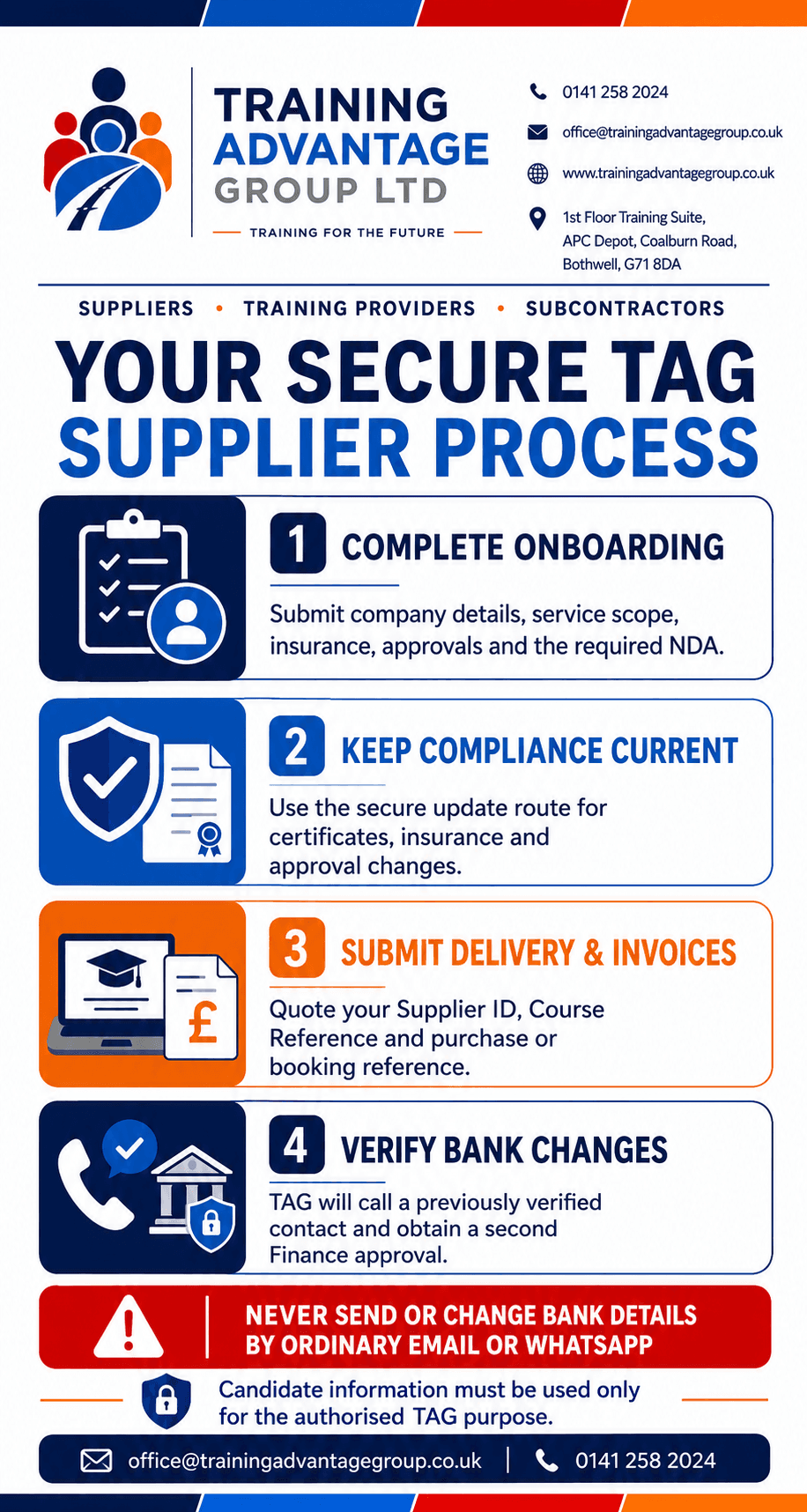
Supplier / Subcontractor Services
Onboarding, compliance documents, invoice and delivery submission, NDA/data protection declarations, and protected bank-detail changes.
Supplier / Subcontractor Secure AccessSign in with the TAG ID and access code TAG has issued you. Submitting onboarding information does not create automatic supplier approval. Bank-detail changes are independently verified using an existing trusted contact route before payment records are amended, never by email or WhatsApp.
Staff Portal
For authorised TAG staff to access role-based resources and forms without full admin access.
Staff Secure AccessCandidate Secure Resources
Where TAG has allocated you course-specific resources, sign in with the TAG ID and access code you were given to access them.
Candidate Secure AccessHelp & Complaints
For general support, questions about any of the routes above, or to raise a complaint, contact office@trainingadvantagegroup.co.uk.
Sensitive evidence (ID, licence images, photographs, signatures, medical information) must not be emailed. Use the secure form requested by TAG instead.
Records submitted through these routes are handled in TAG's controlled Microsoft environment and retained in accordance with TAG's six-year retention schedule, subject to applicable legal and awarding-body requirements.